
Download Windows 95 – Operating System, Microsoft, 1995, Hybrid 16-bit/32-bit, Start Menu, Taskbar, Plug and Play, Internet Support, 32-bit Applications, Computer OS, Legacy Software, Retro Computing
Overview
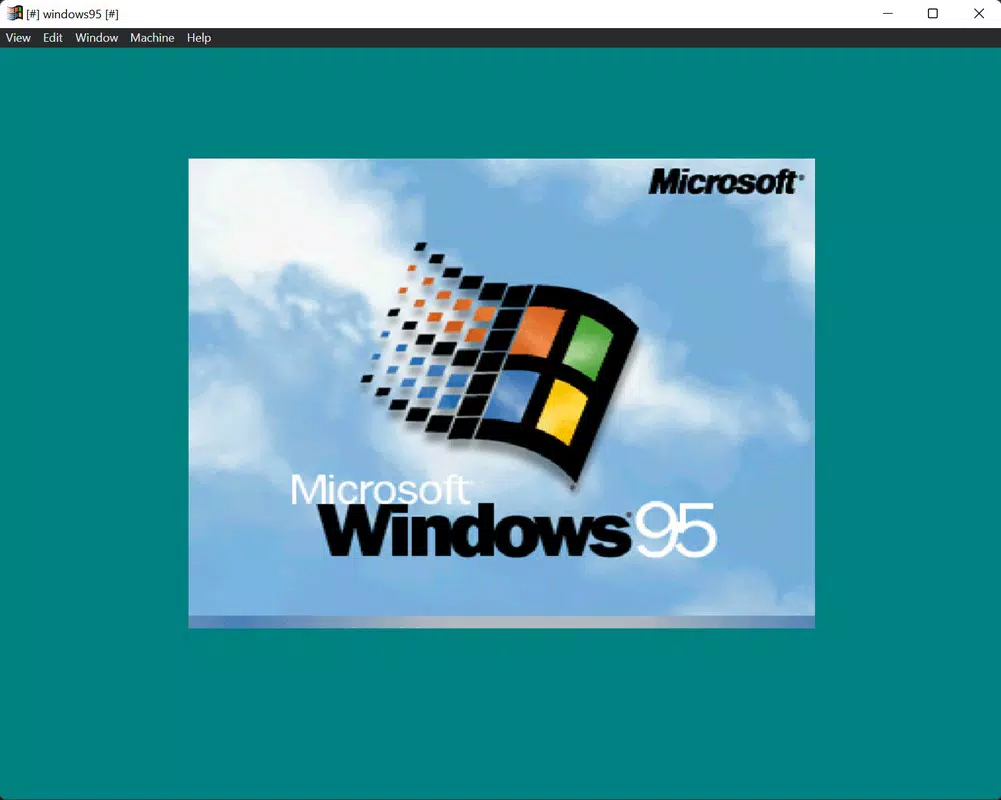
Windows 95, released by Microsoft on August 24, 1995, marked a pivotal moment in the evolution of personal computing. As the first major release in the Windows 9x series, it introduced a suite of transformative features that redefined how users interacted with their computers. Designed as a hybrid 16-bit/32-bit operating system, Windows 95 bridged the gap between legacy software and emerging 32-bit architecture, enabling improved performance while maintaining backward compatibility.
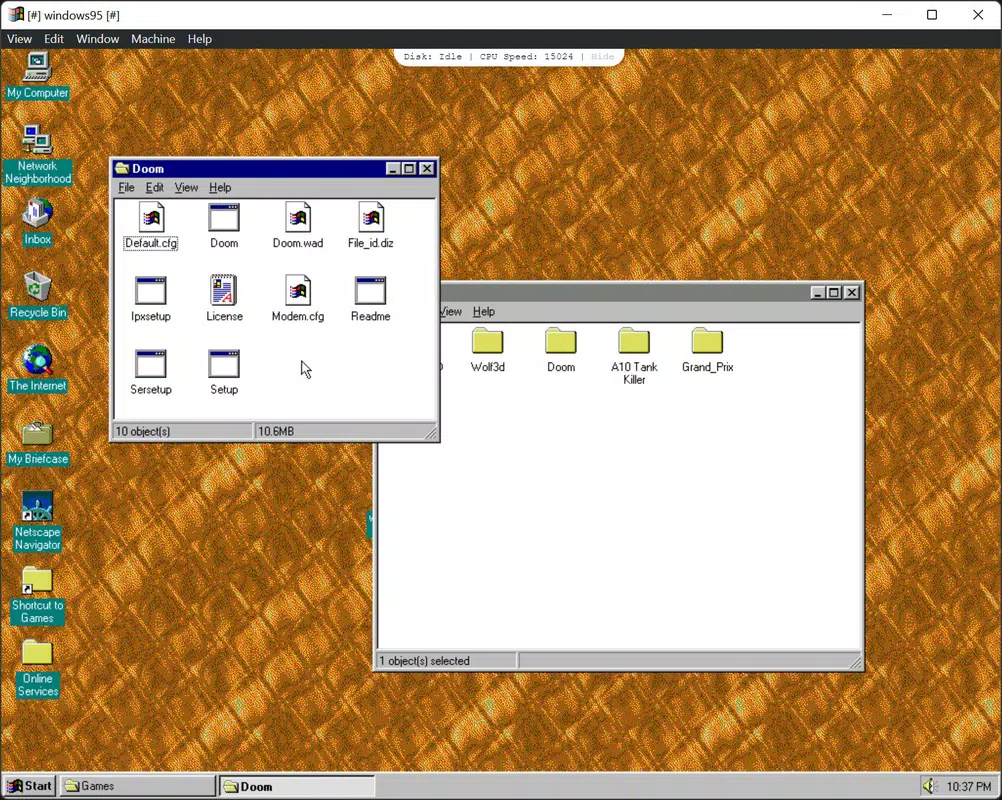
Its most iconic innovations—the Start menu and taskbar—revolutionized user interface design, offering a centralized hub for launching applications, accessing system settings, and managing open programs. These elements became foundational to modern desktop environments and influenced nearly every operating system that followed. Windows 95 also brought Plug and Play support, allowing hardware devices to be automatically recognized and configured, significantly reducing the technical barriers for non-expert users.
Built-in networking and early Internet support, including the debut of Internet Explorer, positioned the OS as a gateway to the digital world. While primarily intended for desktop and laptop users of the mid-1990s, Windows 95 remains relevant today in retro computing circles, software preservation, and historical analysis. The developer did not provide additional technical details beyond its version number (4.0) and file size (300 MB).
Despite its age, the operating system continues to hold cultural and technological significance, serving as a cornerstone in the development of modern computing ecosystems.
Key Features & Functionality
- Hybrid 16-bit/32-bit Architecture: Windows 95 combined 16-bit and 32-bit components to balance performance and compatibility. This allowed it to run older 16-bit applications while leveraging the speed and memory access of 32-bit code, providing a smoother experience than previous versions.
- Start Menu and Taskbar: The introduction of the Start menu and taskbar offered users a standardized, intuitive way to access programs, documents, and system controls. This interface design became a blueprint for future operating systems.
- Plug and Play Support: Hardware devices could be connected and recognized automatically, reducing the need for manual configuration and driver installation—a major leap in usability for average users.
- Enhanced Networking and Internet Integration: Built-in support for TCP/IP and dial-up networking made it easier to connect to local networks and the Internet. Internet Explorer was included, enabling users to browse the web without third-party software.
- 32-bit Application Compatibility: The OS supported both 16-bit and 32-bit applications, allowing users to run legacy software while also adopting newer, more powerful programs that took advantage of expanded memory and processing capabilities.
These features collectively addressed long-standing challenges in usability, hardware management, and connectivity. For example, a home user could install a new printer and have it work immediately thanks to Plug and Play, while a business user could access shared files across a network with minimal setup. The integration of Internet Explorer into the OS also encouraged broader adoption of online services during the early days of the web. Although the developer did not specify advanced functionality beyond these core aspects, the impact of these features on the computing landscape remains profound.
Interface, UX & Performance
Windows 95 introduced a visually distinct interface characterized by a colorful desktop, animated icons, and a taskbar anchored to the bottom of the screen. The Start menu, with its hierarchical structure, provided quick access to programs, settings, and documentation. Navigation was streamlined through the use of mouse-driven interactions, making the system accessible to users with limited technical experience.
The taskbar displayed running applications and allowed for easy switching between open windows. Although the developer did not list formal performance metrics, the hybrid architecture was designed to improve responsiveness over earlier versions, particularly in multitasking scenarios. The operating system was optimized for the hardware of its time, including 486 and Pentium processors, and supported up to 4 GB of RAM in theory, though practical limits were lower.
Performance varied depending on system configuration, but users generally reported faster boot times and smoother window management compared to Windows 3.1. Responsiveness was adequate for the era’s software demands, including basic word processing, spreadsheets, and multimedia applications. Stability was a known concern, especially with poorly written device drivers or incompatible software, but the OS was considered more reliable than its predecessors.
The developer did not specify minimum requirements or compatibility with modern devices, and no information was provided about updates or long-term maintenance.
Platform Compatibility & Technical Requirements
Windows 95 was developed for the Windows platform and released in version 4.0. It was designed to run on personal computers equipped with Intel 486 or Pentium processors and required a minimum of 4 MB of RAM, though 8 MB was recommended for optimal performance. The installation package had a file size of 300 MB, which was substantial for the time.
The developer did not specify minimum OS requirements beyond the release date of August 24, 1995, nor did they provide information about compatibility with modern hardware or virtualization environments. No details were given about supported peripherals, drivers, or system updates. The operating system was not designed for mobile devices or modern computing platforms such as Android or iOS.
As a legacy system, it is not natively compatible with current hardware architectures. The developer did not list any formal compatibility specifications beyond the platform and version. Users interested in running Windows 95 today would need to rely on emulation or virtualization software, which is not covered in the provided information.
Pros and Cons
- Introduced the Start menu and taskbar, a foundational design that influenced future operating systems
- Offered Plug and Play support, simplifying hardware installation and configuration
- Provided enhanced networking and built-in Internet Explorer for early web access
- Supported both 16-bit and 32-bit applications, ensuring broad software compatibility
- Marked a major leap in user experience and desktop interface design
- Not compatible with modern hardware or current computing environments
- Requires emulation or virtualization to run on contemporary systems
- Security vulnerabilities are unpatched and pose risks if used on connected networks
- Outdated file system and memory management by modern standards
- Limited support for modern peripherals and software
FAQ
Is Windows 95 available for free download?
Yes, the operating system was released at no cost to users during its initial launch. However, today’s availability depends on unofficial sources and emulation platforms.
Can Windows 95 run on modern computers?
Windows 95 is not natively compatible with modern hardware. It can only be run through emulation or virtualization software on current systems.
Is it safe to use Windows 95 today?
Due to the absence of security updates and known vulnerabilities, using Windows 95 on a networked or internet-connected system is not recommended.
What are the system requirements for Windows 95?
Minimum requirements include an Intel 486 or Pentium processor, 4 MB of RAM (8 MB recommended), and 300 MB of free disk space. Specific details beyond this were not provided.
Can I install modern software on Windows 95?
Most modern software is incompatible with Windows 95 due to differences in architecture, APIs, and system requirements. Only legacy applications designed for the OS will function properly.
Final Thoughts
Windows 95 remains a landmark operating system in the history of computing, setting the stage for the modern desktop experience. Its introduction of the Start menu, taskbar, Plug and Play, and early Internet integration fundamentally reshaped how users interacted with their machines. While no longer suitable for daily use on contemporary hardware, it holds enduring value for historians, retro computing enthusiasts, and developers studying the evolution of user interfaces.
The OS exemplifies a transitional era in technology—one where legacy systems met emerging capabilities. For those interested in exploring computing history or testing vintage software, Windows 95 offers a unique window into the past. Although it is not practical for modern productivity, its influence is undeniable.
Download Windows 95 now to experience a foundational chapter in digital innovation.


